 GoPrompter
Prompt. Smooth as glass.
Press Space and read. The text moves with every frame of your display, at 60 or 120 fps, with no stutter.
Make it easy to read
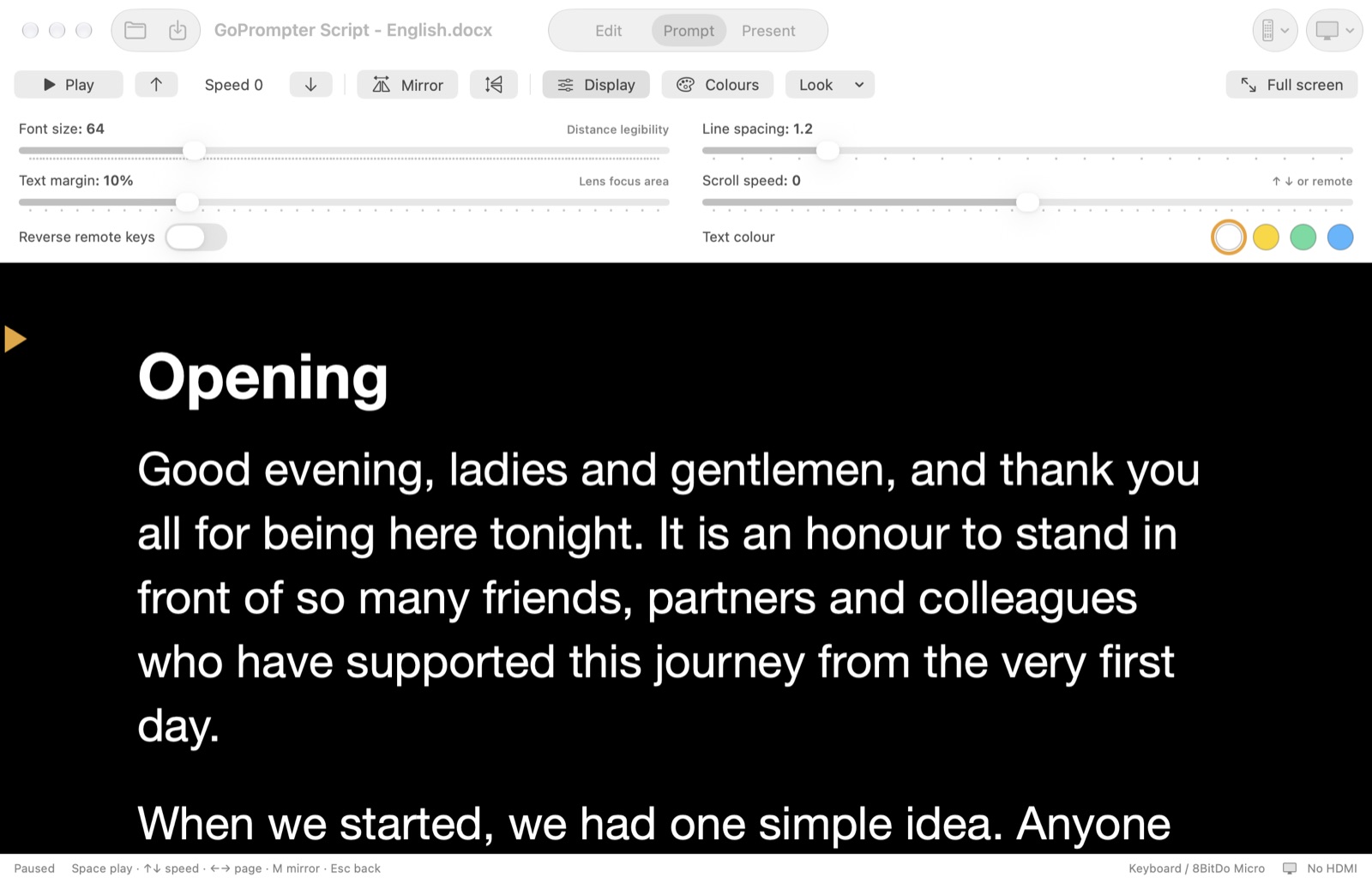
Open Display to set the font size (up to 200 pt), line spacing, text margin and scroll speed. Tap a dot for white, yellow, green or blue text.
An orange arrow marks your reading line. Everything is remembered for next time.
Only the words while you read
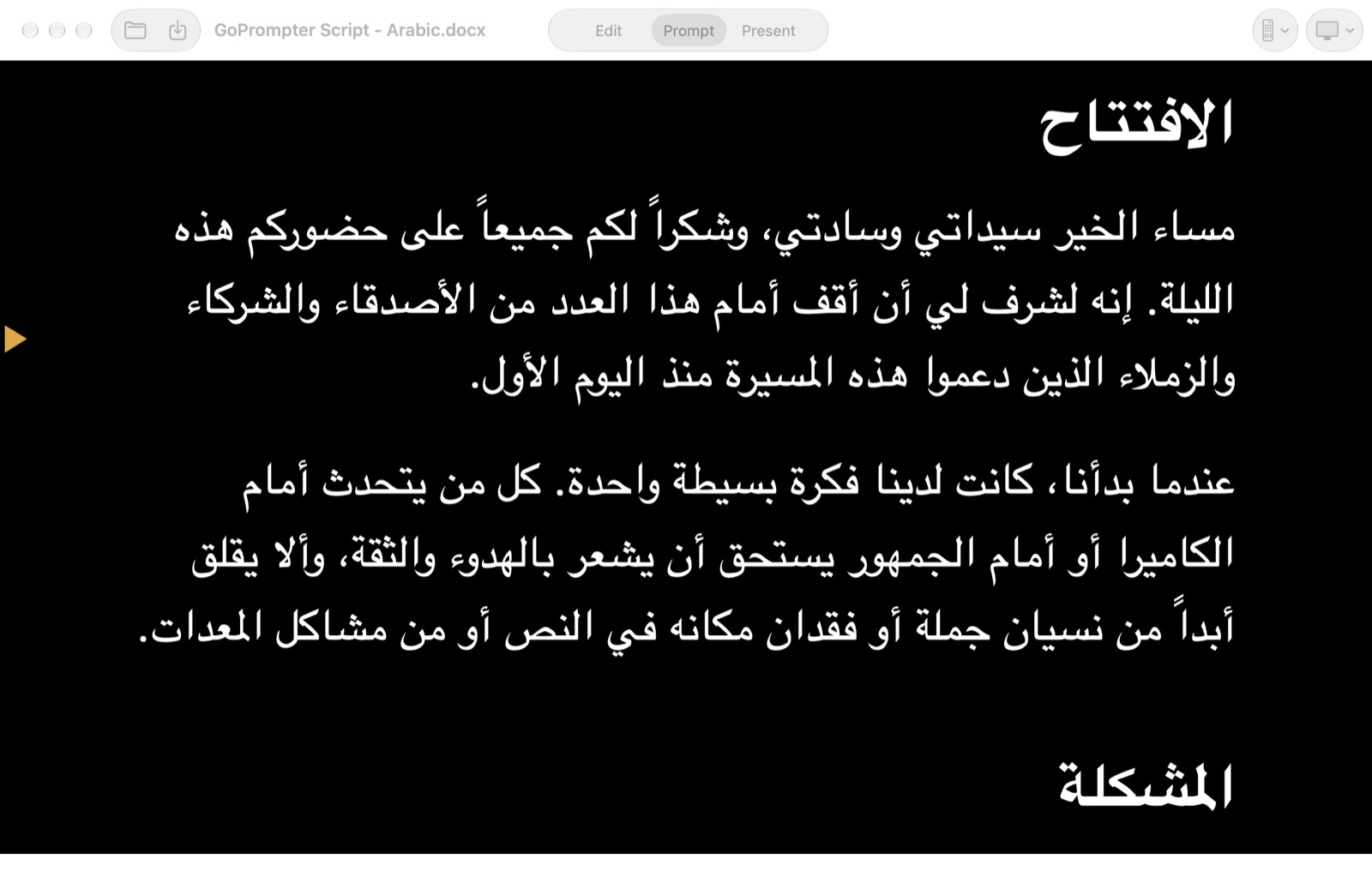
When you press Play, every control fades away and only your text is left on screen, in Arabic, English or any language. Press Space again and the controls come back.
Mirror for teleprompter glass
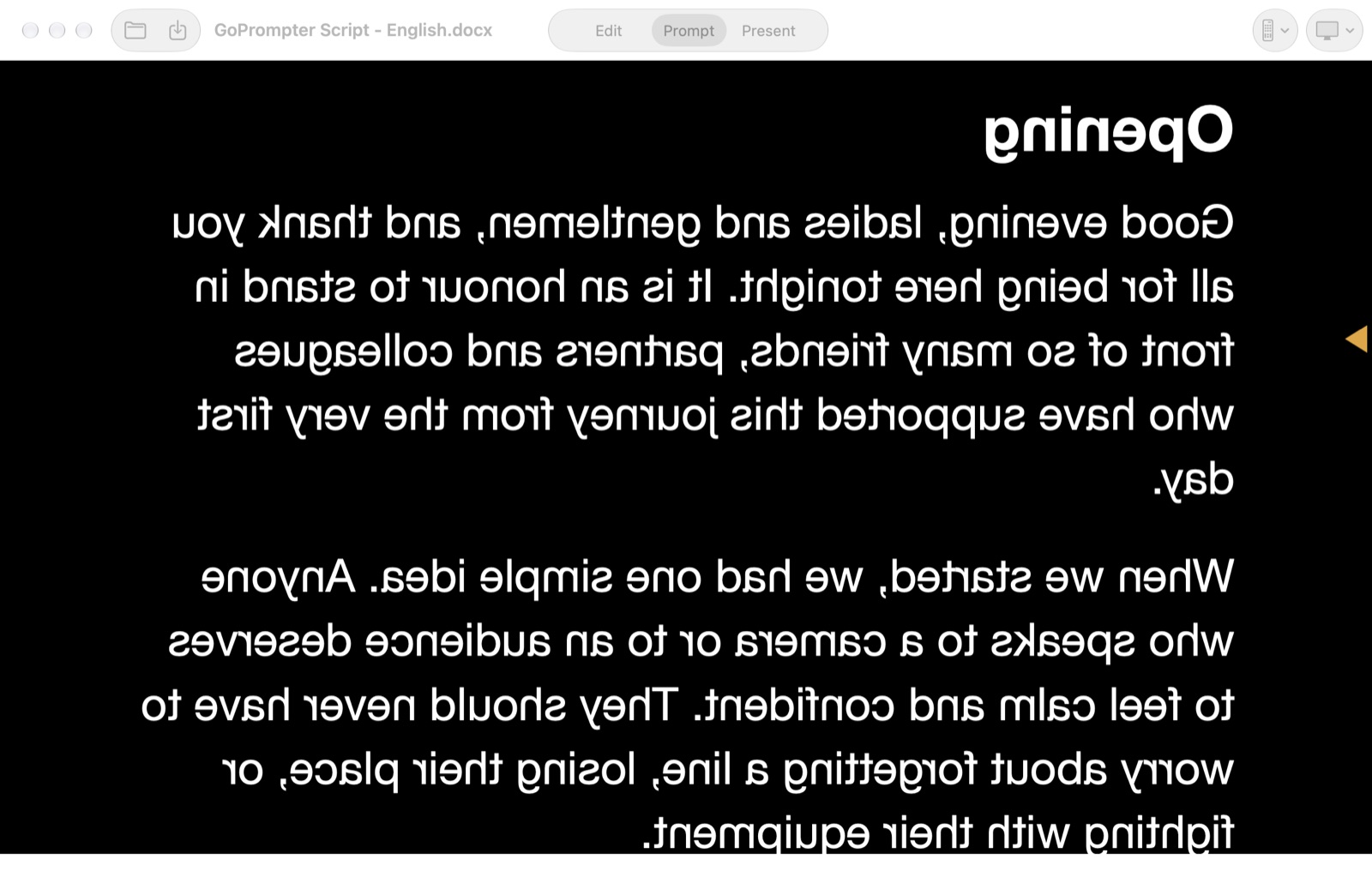
Press M to flip the text so it reads correctly in beam-splitter glass. You can flip it vertically too.
Plug in an HDMI screen and it shows only the text, never your controls. GoPrompter switches between Extend and Mirror for you, so you never need to open Displays settings.
Your keyboard, or any remote
Your Mac keyboard works straight away. Or pick up a Logitech R500, an 8BitDo Micro, a foot pedal or any Bluetooth keyboard. Press a button and choose what it does.
- Space Play or pause
- ↓ Faster
- ↑ Slower. Keep pressing to go into reverse and repeat a line.
- ← → Previous or next page
- M Mirror
- Esc Back to the editor
Speed changes glide smoothly, so your viewers never see a jump.
Smart colours
Choose any background and text colour from a colour wheel, or a ready-made look: white on black, yellow on black, black on white and more.
Headings are found automatically and can have their own colour. Keep your document's original colours if you like: dark text on a dark background flips automatically so you can always read it.