 GoPrompter
Edit. Like Word, made for prompting.
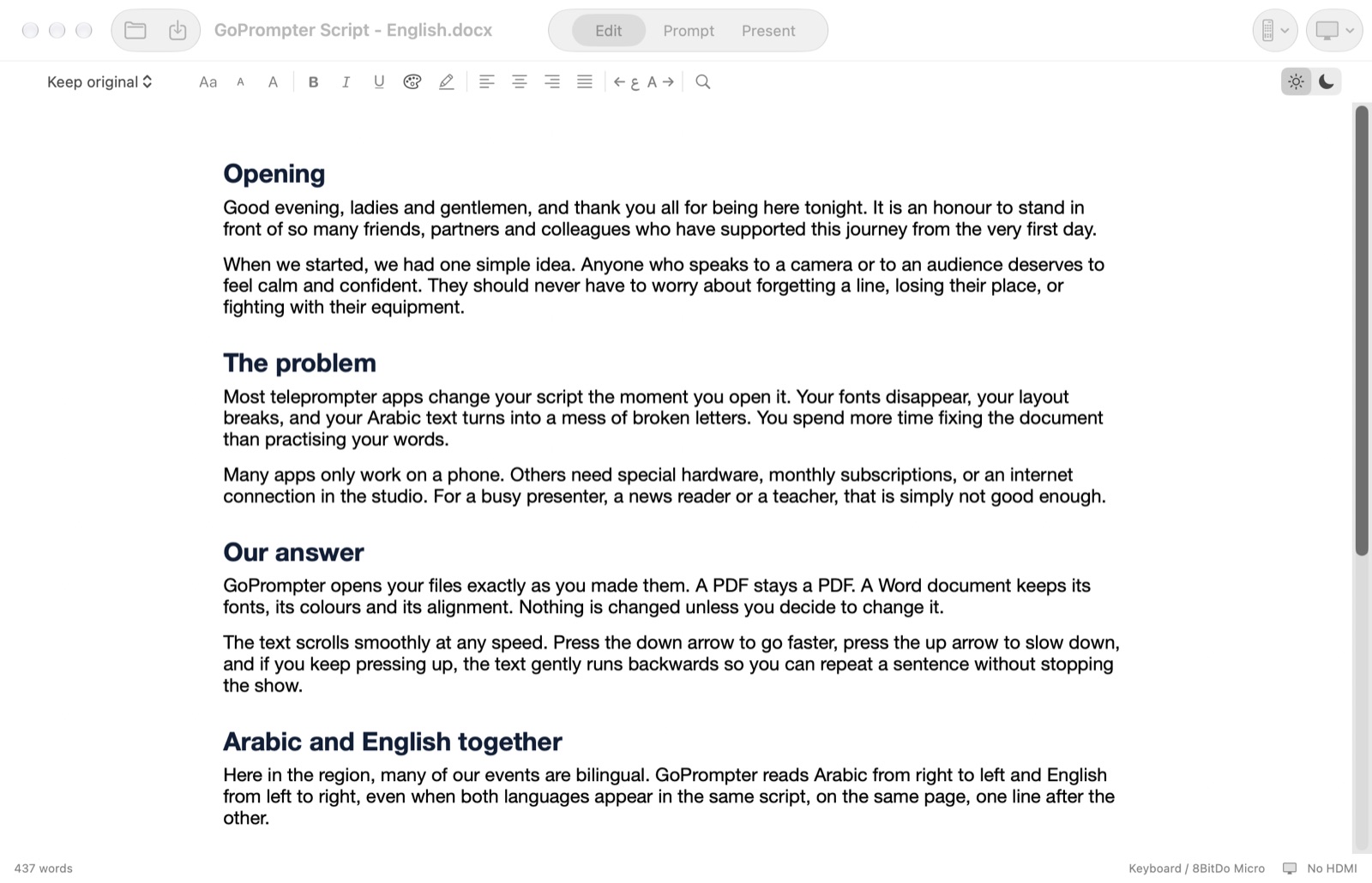
Open your Word file and it looks exactly as you made it, with the same fonts, colours and headings. Fix a line, then press Prompt.
Opens your file as it is
Word (.docx and .doc), RTF, Pages text, OpenDocument, Markdown, plain text, subtitles and Fountain screenplays. From PowerPoint, it takes the slide text and your speaker notes.
Nothing changes until you change it. Your original file is never touched unless you save.
Arabic, English and every other language
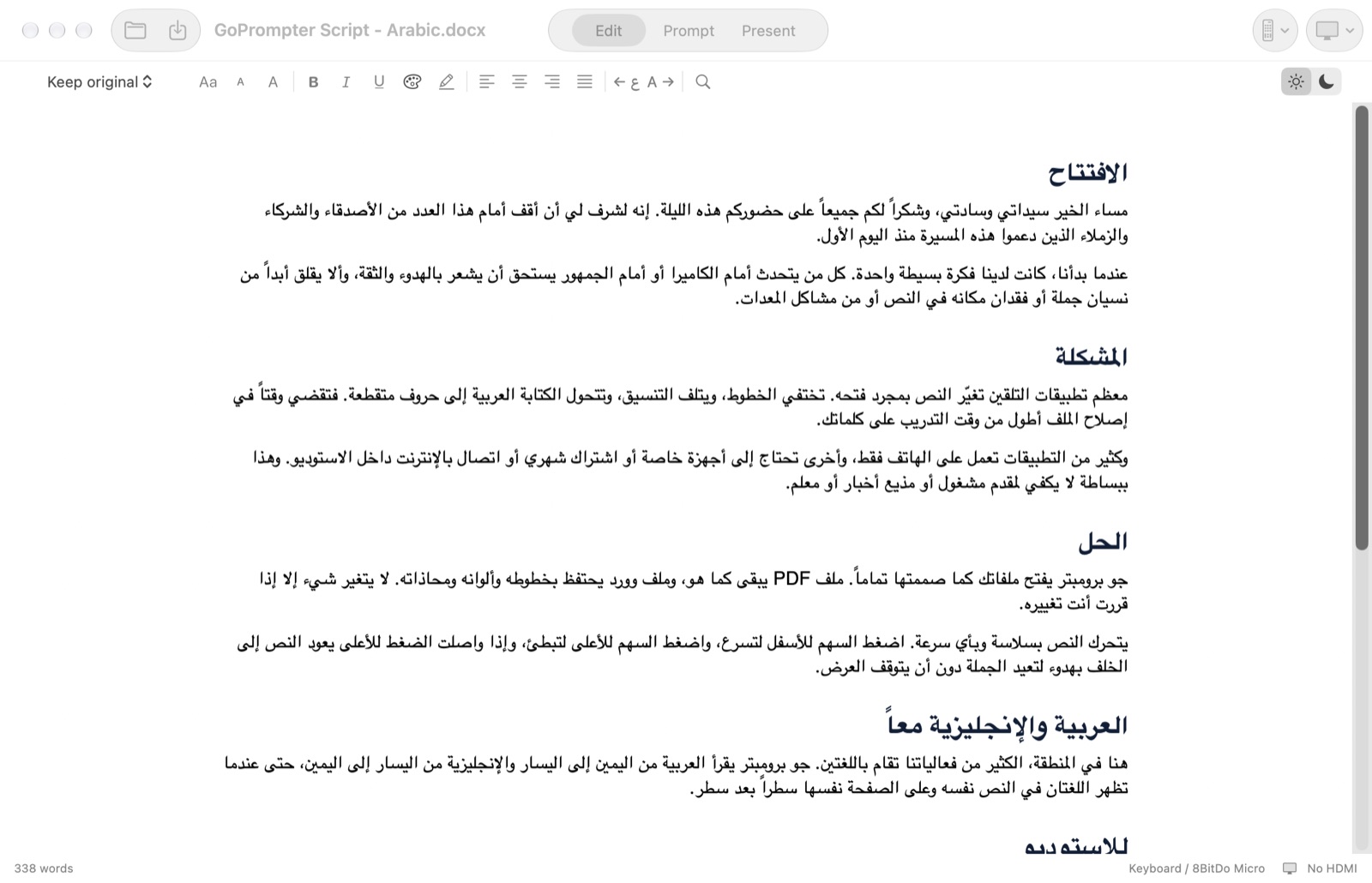
Arabic letters join correctly and read right to left. Mix Arabic and English in the same script, and set each paragraph right-to-left or left-to-right with one click.
Arabic fonts such as Geeza Pro, SF Arabic and Noto Naskh are built in. Every language your Mac can show works.
All the tools you expect
- Font, size, bold, italic, underline
- Text colour and highlight, with a colour wheel
- Align left, centre, right or justified, and line spacing
- Undo, redo, find and replace
- A black page view for working at night
- Turn a PDF into an editable script. Scanned PDFs are read with Apple's on-device text recognition.
Your keyboard does it all
⌘1 Edit · ⌘2 Prompt · ⌘3 Present
⌘O Open · ⌘S Save · ⌘F Find
Save as Word (.docx) or RTF and keep all your formatting.